Why web startups for researchers should charge their users
Last week Impactstory announced their new paid subscription model. Changing a service from free to paid is a big step and there was some discussion on Twitter about it. We decided from day one to run Paperpile as a paid subscription service and only had good experiences with this model so far.
We are lucky to be in a position where we don’t have to write this post to convince our users that paying for Paperpile is a good idea. They found out by themselves. But we want to take the opportunity to share our experiences and encourage other startup companies in our space to follow the example of Impactstory. We’ve found that charging for our product is good for us and our users. Here’s why.
Improved Google Docs citations with Paperpile
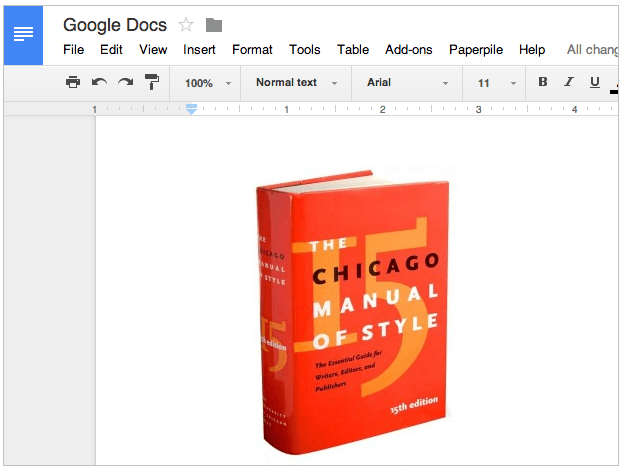
When we started Paperpile at the end of last year, our goal was to make Google Docs a first class tool to write academic papers. Earlier this year, we were excited to see the first papers that were entirely written in Google Docs and Paperpile to be accepted for publication. Students have written their thesis with Paperpile and we know of users who have started writing books in Google Docs.
However, some missing features made it hard for some users to fully switch. With some recent additions to Google Docs and Paperpile, these limitations are gone. 5 key updates make it easier than ever to use Google Docs to write your next report, paper, thesis or book.
Google Docs in the University: a Q&A with students from UCC Hillerød, Denmark
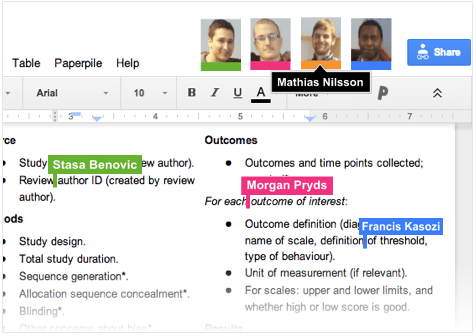
Soon after our launch in October 2013 we were contacted by a group of students from UCC Hillerød, Denmark about using Paperpile to write their final thesis project in Google Docs. Since they would only be using Paperpile for a few months, we created a special short-term group license for them and left them to their work.
A few months later we noticed a sudden spike in usage from Denmark, with a few users furiously adding citations and formatting their documents late into the night for days on end. Immediately we knew: our plucky group of students were wrapping up their thesis, using Google Docs and Paperpile to get things ready to print before the Christmas holidays!
We recently caught up with Mathias, Stasa, Morgan and Francis to congratulate them on their successful project and ask a few questions about their experience writing a group project with Paperpile.
What if creationists like your paper about evolution?

Recently, my last paper that I have worked on before I started Paperpile was finally published. I’m quite happy with the work because it brings together my favourite topics: RNAs, genomes and evolution. Unfortunately, I did not have much time following up on the reception of the paper. However, there was at least one review on the web I did not miss.
Walking through a Digital Memorial: the #pdftribute PDFs
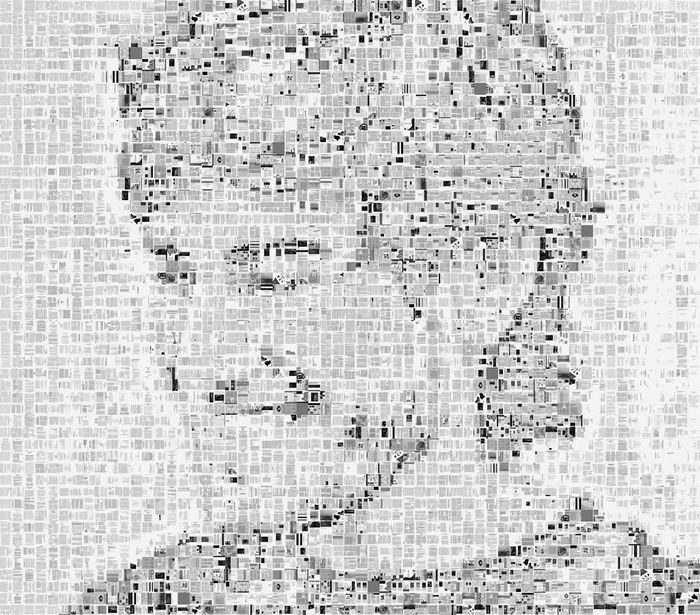
Aaron Swartz was a vocal proponent of a free and open Internet and a staunch believer in open access. His Guerilla Open Access Manifesto, written in 2008, is just as powerful and relevant to the world of academic publishing today as it was 6 years ago.
A little over a year ago, the Internet began mourning the loss of this well-loved entrepreneur and pioneer. Tech-savvy academics were shocked by Aaron’s death; some were upset at the handling of his legal case while others called on universities to respond by doubling down on open access to the scientific literature. Meanwhile, the news media were left struggling to explain just what JSTOR was and why Aaron was potentially facing years in prison for downloading a bunch of PDFs.
And then, academics joined together worldwide in a small act of defiant tribute.