A new tool to fight hallucinations in preprints
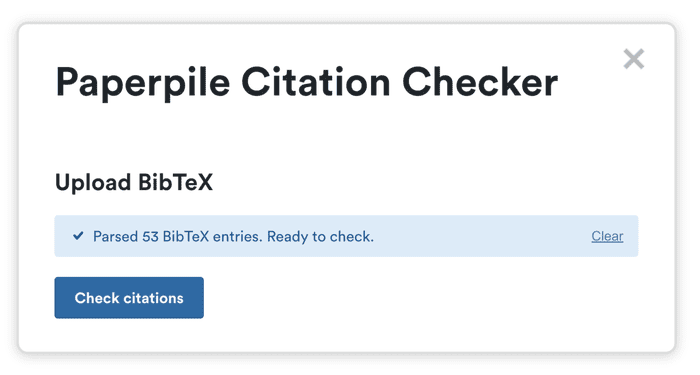
Hallucinated citations are a hot topic in 2026. Just this month, large-scale analyses published in The Lancet and arXiv highlighted the scale and scope of the problem. And last week arXiv announced a severe penalty for submitting a manuscript with hallucinations.
At Paperpile, it’s our job to be obsessed about citation accuracy. So we built a new tool to screen your BibTeX for errors before submitting a preprint: the Paperpile Citation Checker. Alongside the tool we’ll also share some practical tips for authors, drawing from recent literature on hallucinations and a novel simulation experiment from our team.
New integration: bring your research library to any AI assistant
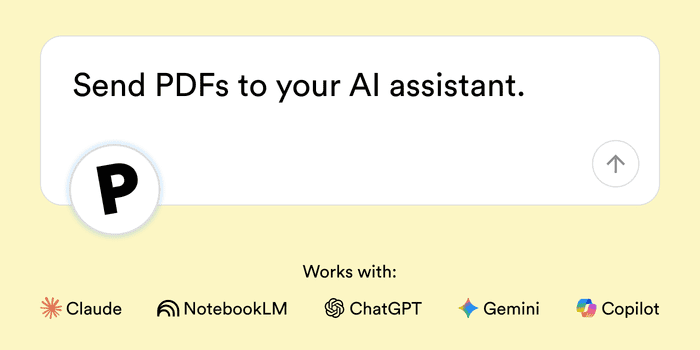
Paperpile’s first AI-native integration is now available in beta: seamlessly send PDFs to ChatGPT, NotebookLM or any supported AI assistant.
The new feature, called Ask AI, can help you more quickly find the key quotation or data point that unlocks the next step in your research. Read on to learn how to gain new insights from your PDFs organized in Paperpile.
New integration: Save papers directly from Google Scholar Labs
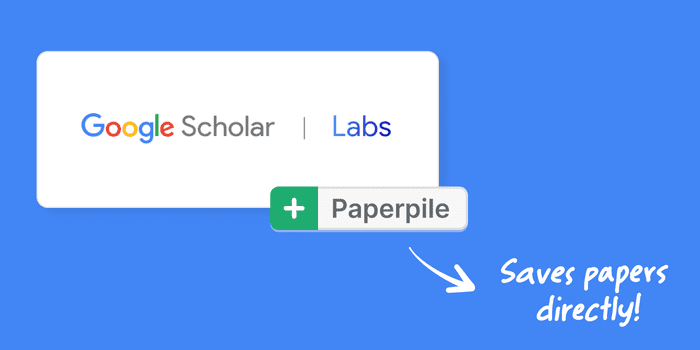
Google Scholar is the starting point for so many of your literature searches, and now it’s getting a major upgrade with Google Scholar Labs. Ask Scholar Labs a question in plain language, and it searches for papers that match your specific needs.
You can now save citations directly from a Scholar Labs conversation to your Paperpile library—complete with the AI-generated summary automatically imported as a note.
By adding support for Scholar Labs quickly after its launch, we're making sure you can take advantage of this new search tool right away.
New Integration: Save papers directly from OpenEvidence
Doctors are notoriously busy: with patients to see, procedures to perform, and notes to write up, they’ll take every efficiency bump they can get.
With this hard-working group of professionals in mind, we’re announcing a new integration with OpenEvidence, the popular AI-powered medical information platform. You can now save citations directly from an OpenEvidence thread to your Paperpile library to read later, cite in a research paper, or include in a future case report.
We hope this new integration will make the work of our clinician-scientist users just a bit easier and free of stress.
October updates: PDF night mode, bulk downloads, and streamlined navigation
We’ve rolled out some big updates recently: a new browser extension, sharing, and search. And there’s more on the way like better note-taking tools, AI app integration, and new mobile apps.
But alongside these big milestones, we don’t lose sight of the smaller details that matter every day. Today’s update is dedicated to just that: a collection of frequently requested features and improvements designed to make your daily work smoother.